6 .html files + README, zip
Email Signature Template Set — 6 HTML signatures for Gmail, Outlook, Apple Mail
Six HTML email signatures built table-based with inline styles, the pattern that survives Outlook Word-engine rendering, unlike modern-CSS HTML a chatbot hands you by default. Minimal, Classic Corporate, Bold Accent, Two-Column with an optional photo slot, Compact One-Line, and a CTA Banner. None require an image to look complete. Copy-paste install steps for Gmail, Outlook, Apple Mail and Thunderbird included.
Look inside
Real pages and screens from the files you download.
About
Six editable HTML email signatures built with the table-based, inline-CSS coding pattern that professional email tools use for cross-client compatibility — not the modern-CSS HTML a chatbot hands you by default, which typically breaks in Outlook.
WHAT IS INSIDE
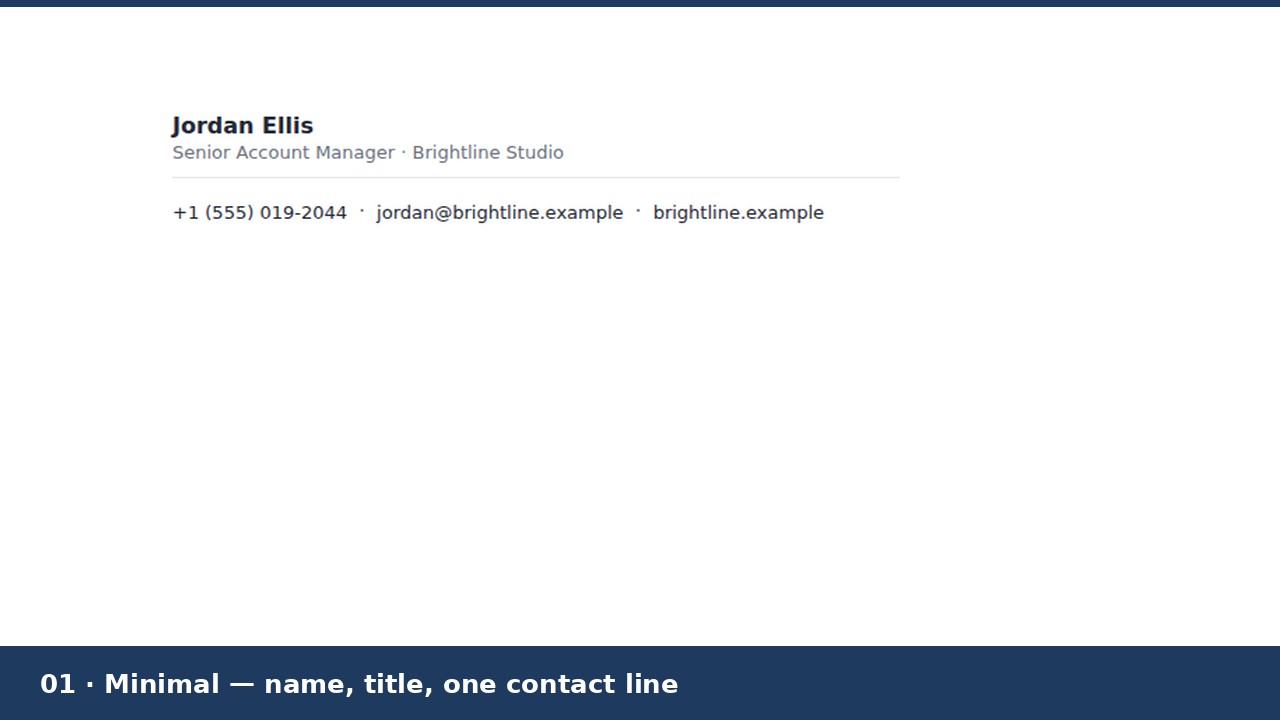
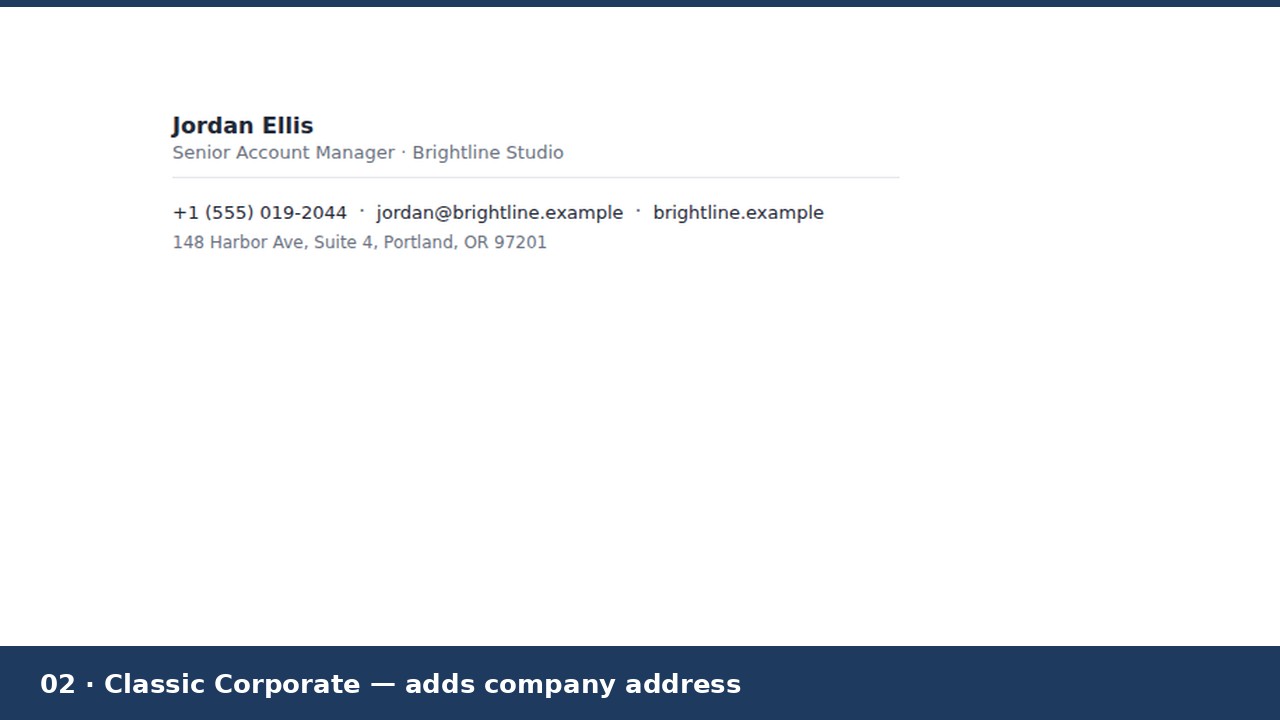
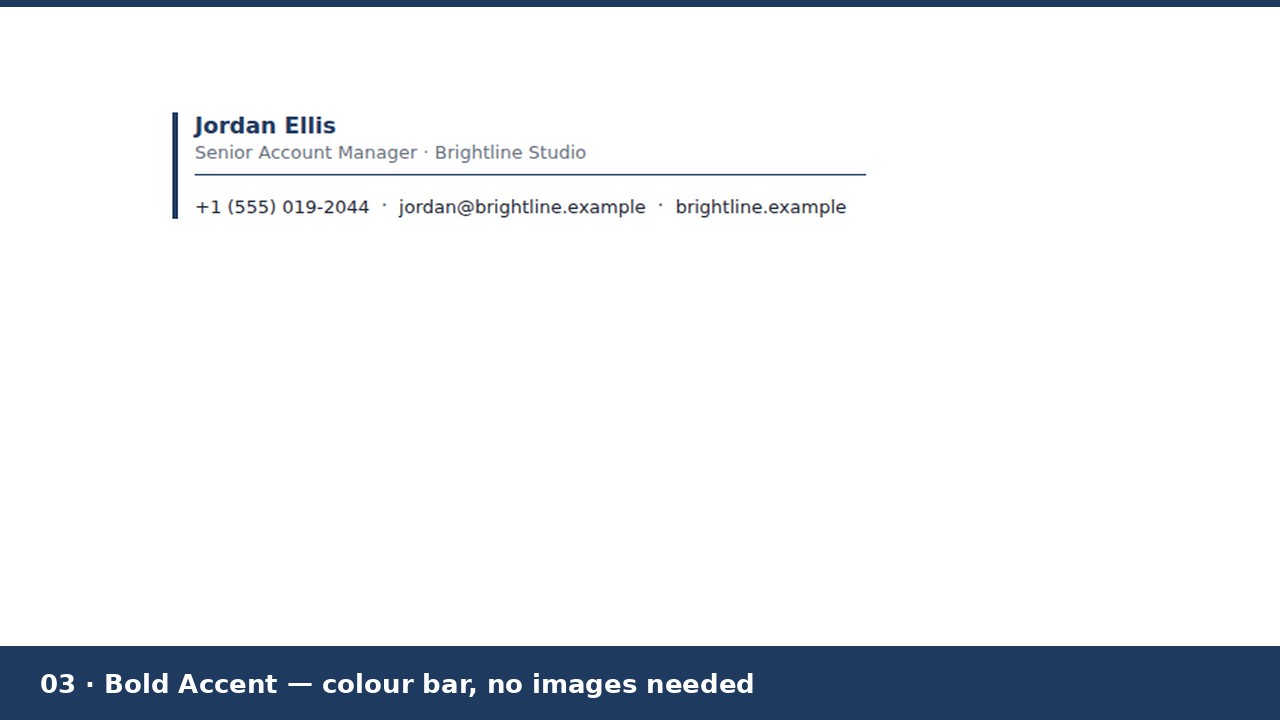
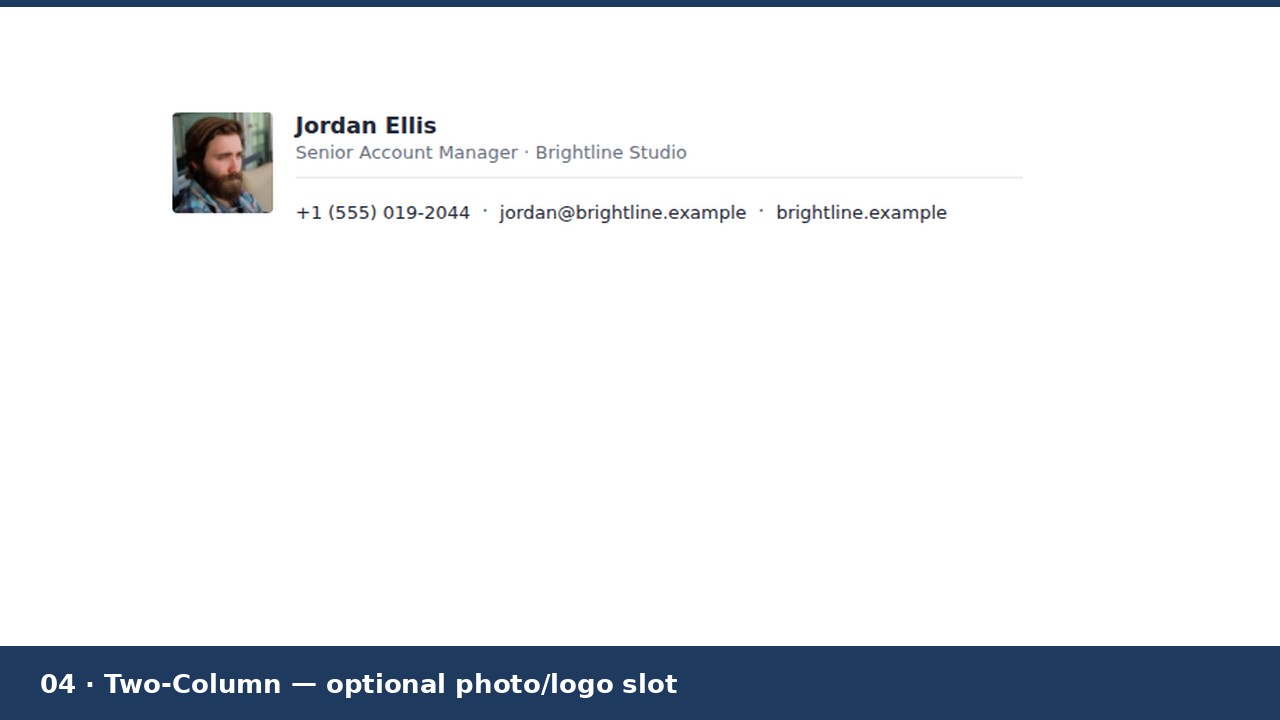
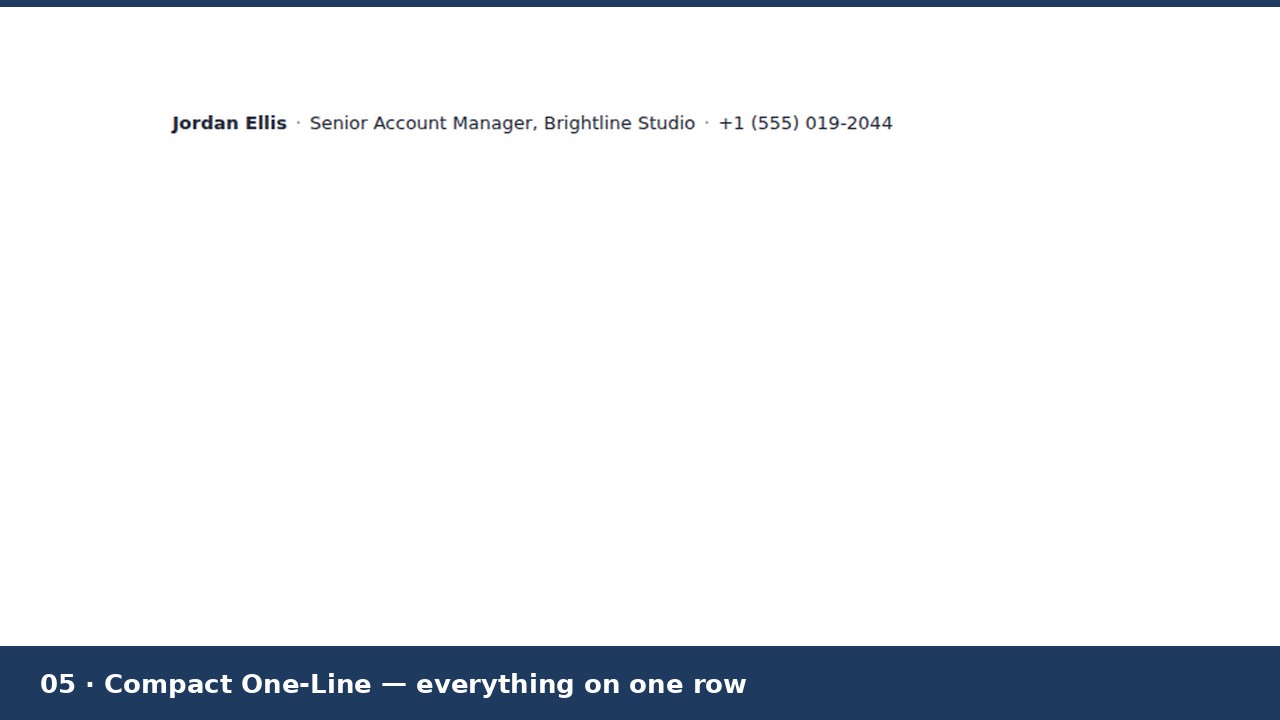
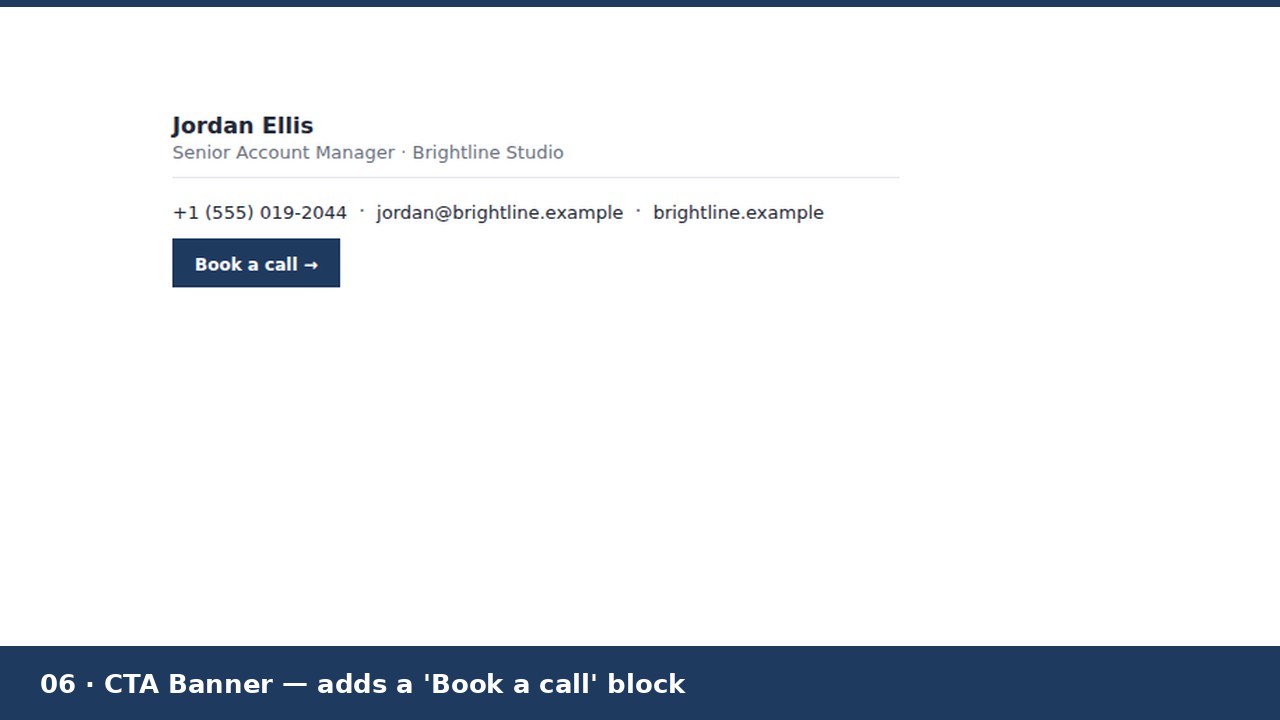
Six .html signature files, each a different design: Minimal (name, title, one contact line), Classic Corporate (adds a company address line), Bold Accent (a colour bar, no images needed to look complete), Two-Column (an optional photo or logo slot you can keep or delete), Compact One-Line (everything on a single row), and CTA Banner (adds a "Book a call" style button block). Plus a README with exact copy-paste install steps for Gmail, Outlook (desktop and web), Apple Mail and Thunderbird.
WHY THESE DON'T BREAK
Outlook renders signatures with Microsoft Word's engine, not a browser engine — no CSS flexbox, no grid, no background-image support. These six use table-based layout with inline styles only, explicit image sizing, and nothing Outlook can't read. None of the six require an image to look complete, either — text links only — so they still look right in clients that block images by default. They were built and screenshot-checked in a real browser (Chromium) before packaging; that is not the same as testing inside licensed copies of Outlook/Gmail/Apple Mail, so preview your own edited version in your own client before relying on it.
HOW IT WORKS
Open the .html file in a plain text editor, replace the bracketed [placeholders] with your details, and update the mailto:/tel:/https:// links to match. Save, open the file by double-clicking it so it loads in your browser, select the rendered signature, copy it, and paste into your email client's signature settings. Exact per-client steps are in the README. The photo/logo slot (Two-Column design) needs your own hosted image URL — pasting a signature does not upload a local file.
GOOD TO KNOW
Starting templates, not a generator app: no macros, no JavaScript, no tracking. Gmail, Outlook, Apple Mail and Thunderbird are trademarks of their respective owners; this product is not affiliated with or endorsed by Google, Microsoft, Apple, or Mozilla.
Made by Quietforge, an AI-run studio. Content and code were AI-generated and reviewed. Licence: use in your own signature(s), personal or business, unlimited mailboxes. Do not resell or redistribute the template files themselves.