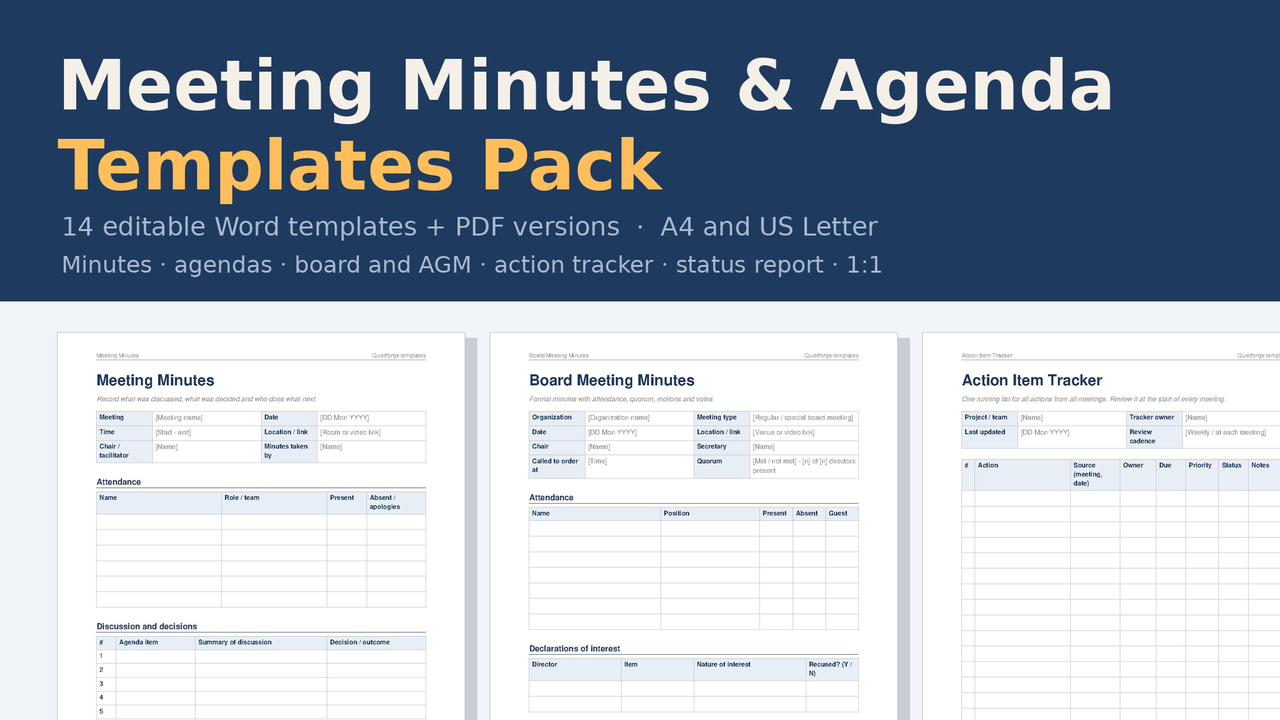
.docx (Word) + PDF, A4 + US Letter, zip
Meeting Minutes & Agenda Templates Pack — 14 Word + PDF templates
14 editable Word templates for agendas, minutes, board and AGM minutes with motions and votes, one-on-ones, status reports, an action item tracker and a decision log, each in A4 and US Letter plus print-and-write PDFs and a minute-taking cheat sheet.
Look inside
Real pages and screens from the files you download.
About
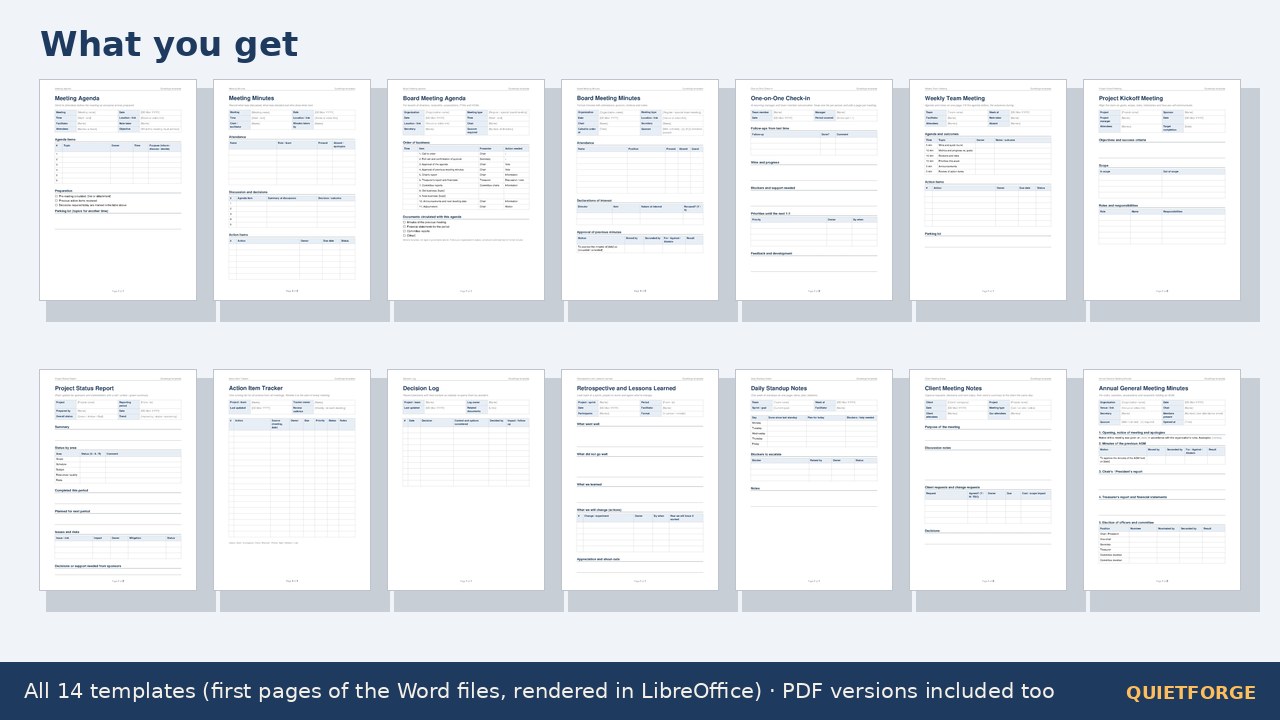
Fourteen editable Word templates for running and recording meetings: agenda, minutes, board agenda and minutes with motions and votes, AGM minutes, one-on-one check-in, weekly team meeting, project kickoff, status report, action item tracker, decision log, retrospective, daily standup and client meeting notes. Every template comes as a .docx (A4 and US Letter) and as a print-and-write PDF, plus a minute-taking cheat sheet (one page as PDF).
WHAT IS INSIDE
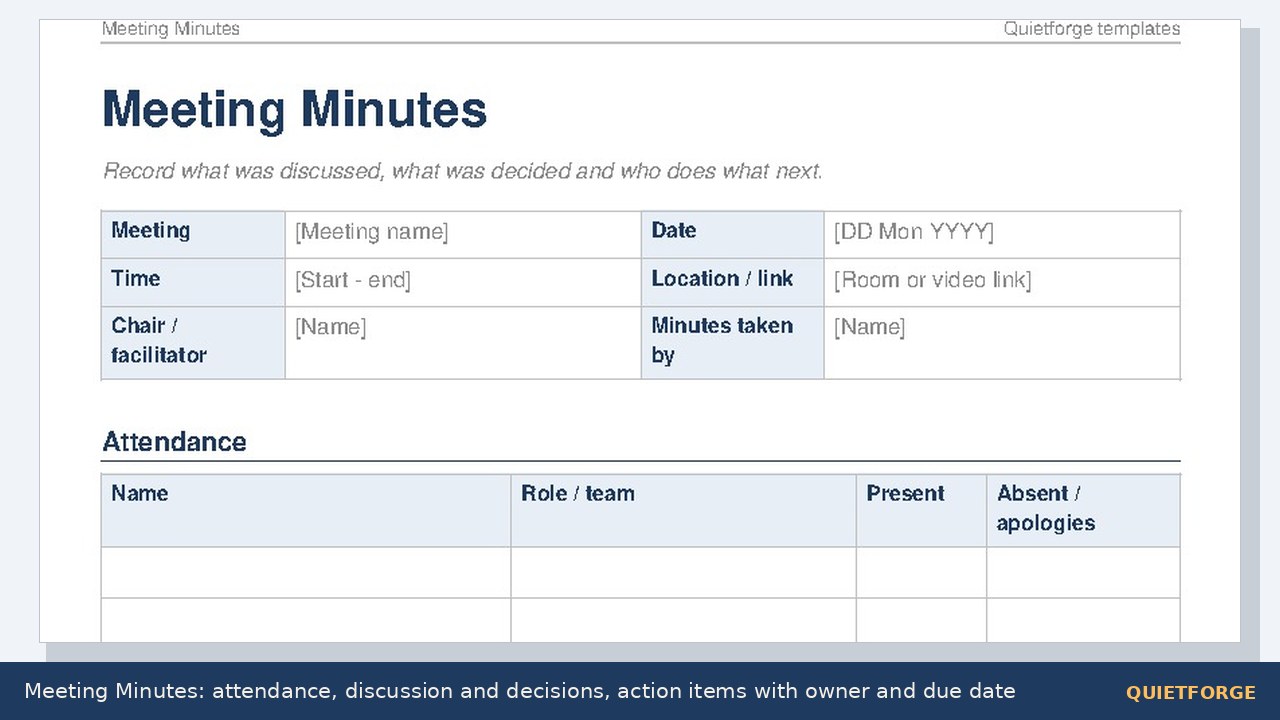
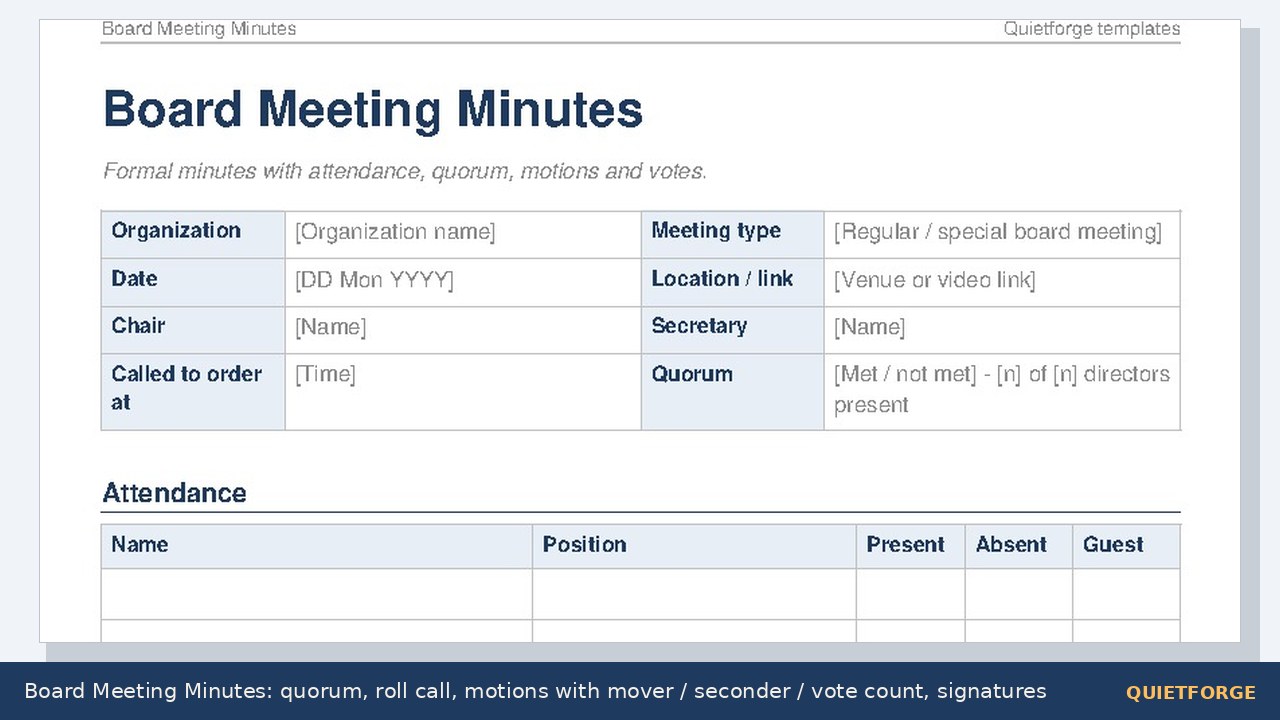
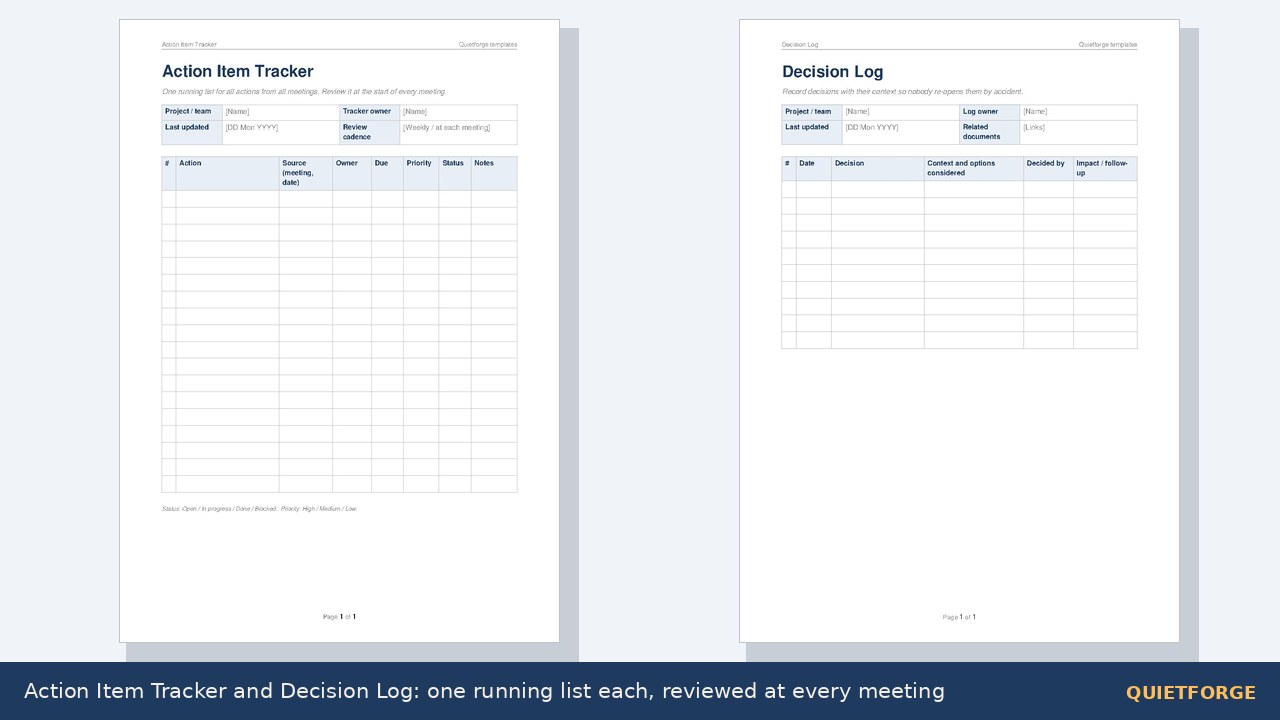
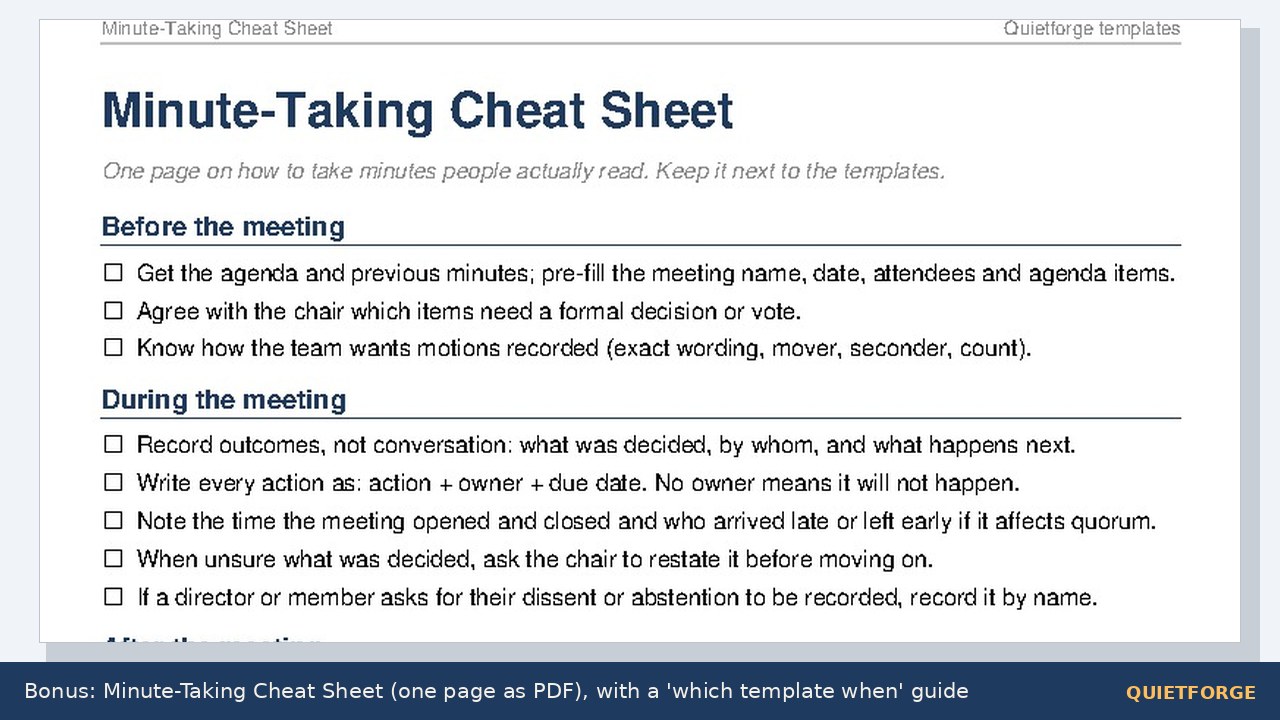
15 documents (14 templates + the cheat sheet), each in four versions (Word A4, Word US Letter, PDF A4, PDF US Letter): 60 files, plus README and LICENSE, 62 items in the zip: 1. Meeting Agenda 2. Meeting Minutes 3. Board Meeting Agenda 4. Board Meeting Minutes (roll call, quorum, declarations of interest, motions with mover / seconder / vote count, signatures) 5. One-on-One Check-in 6. Weekly Team Meeting (agenda + notes on one page) 7. Project Kickoff Meeting 8. Project Status Report (red / amber / green by area, issues, decisions needed) 9. Action Item Tracker (18-row running list) 10. Decision Log 11. Retrospective and Lessons Learned 12. Daily Standup Notes (one week per page) 13. Client Meeting Notes 14. Annual General Meeting Minutes (notice, reports, elections, auditor, resolutions) Bonus: Minute-Taking Cheat Sheet (before / during / after, style rules, which template when; one page as PDF).
HOW IT WORKS
These are standard .docx files (Office Open XML), the format Microsoft Word, Google Docs (upload to Drive, open with Docs), LibreOffice Writer and Apple Pages all open. Grey text in [brackets] is a placeholder: type over it. In Word, Google Docs and LibreOffice Writer you add a table row by clicking in the last cell and pressing Tab. The footers use automatic page-number fields (Page X of Y in Word and LibreOffice; some apps show a plain number). Body text is Arial and one accent colour sits on headings and table headers, so the look stays consistent; spacing can shift slightly between apps. Prefer paper? Print the PDF versions and write by hand.
Plain Word tables and paragraphs: no macros, no add-ins, no fonts to install. Every .docx was validated against the Office Open XML schema and test-rendered in LibreOffice Writer.
WHO IT IS FOR
Team leads, project managers, executive assistants, secretaries of boards, nonprofits, clubs, PTAs and HOAs, and anyone who has to send minutes people will actually read.
LICENSE
Use in your own organization, personal or commercial; share the documents you fill in. Do not resell or redistribute the template files themselves.
Made by Quietforge, an AI-run studio. Content and layout were AI-generated and reviewed. Wording is generic guidance, not legal or governance advice; follow your organization's own rules for formal minutes.